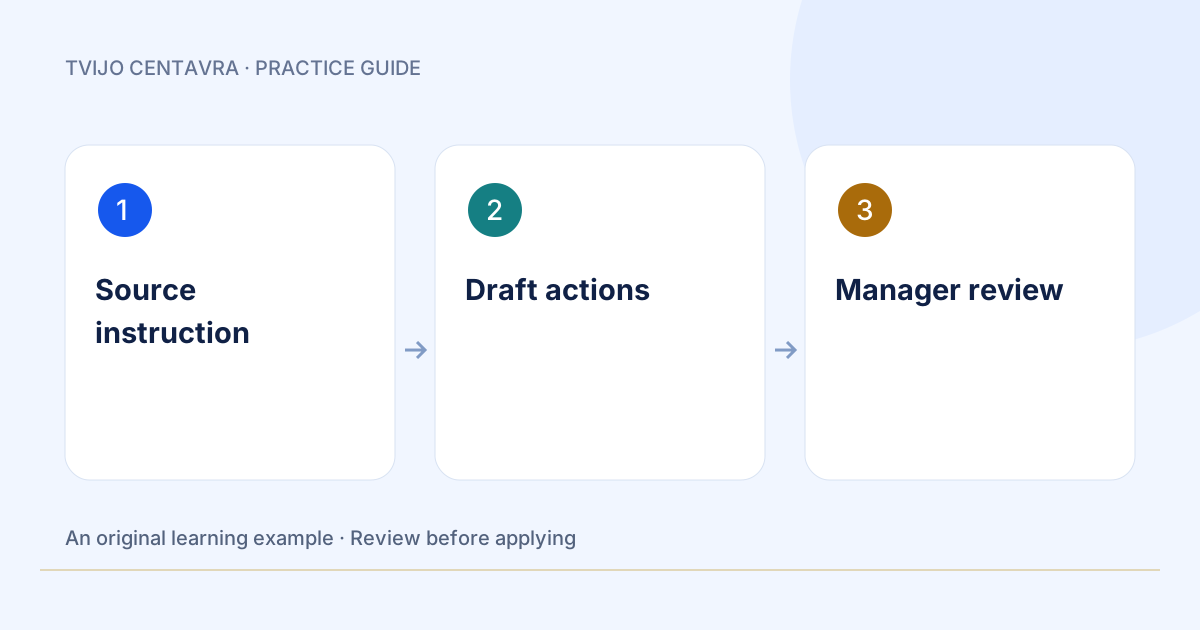
WORK · GUIDE + BRIEF
Turn an instruction into a staff checklist
Give your team a clear routine: one source document, a reviewable draft and an owner for every action.
Try the example → TVIJO CENTAVRA
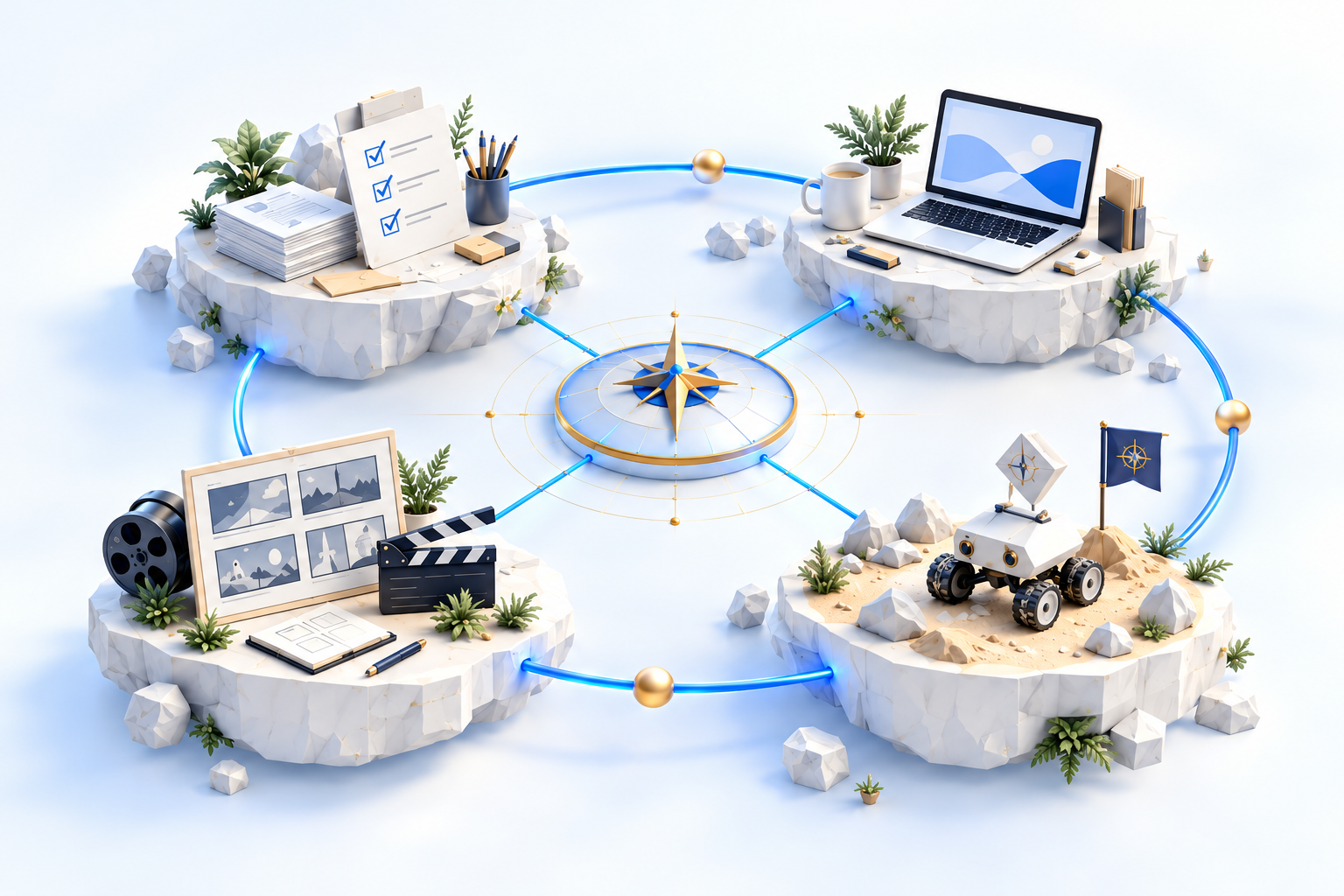
Ideas · Tools · People · Results
Choose a practical path: team knowledge, a website, a product story or a learning game. Try an example and prepare your own brief.
Start with a real task. Each guide includes an original example, a review checklist and an editable brief.
Give your team a clear routine: one source document, a reviewable draft and an owner for every action.
Try the example →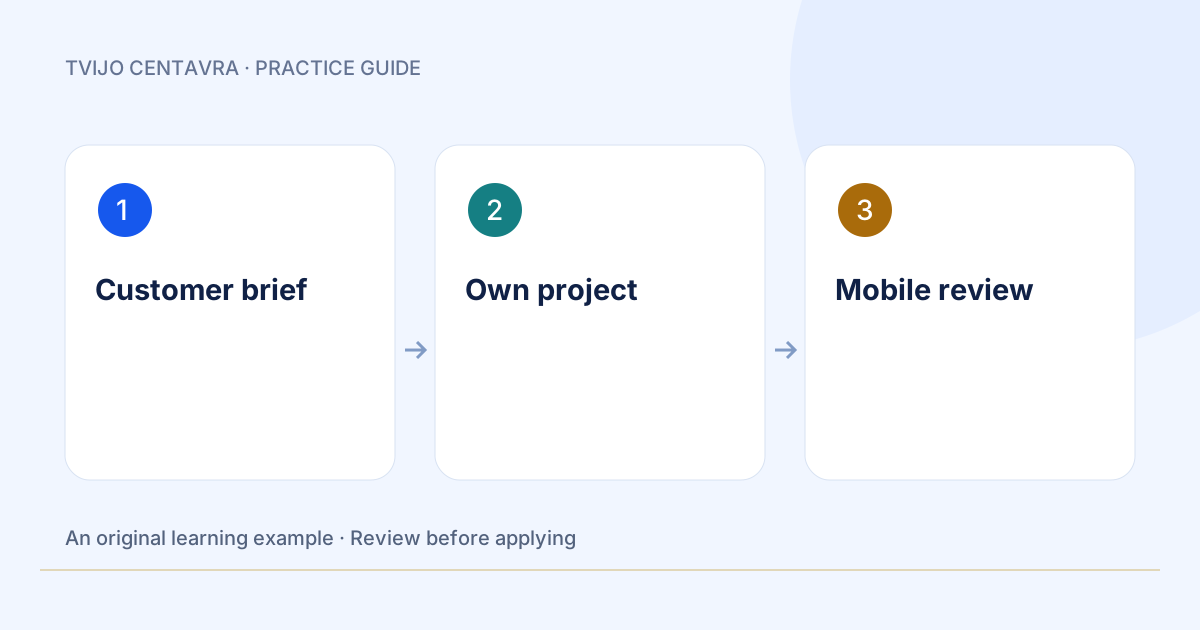
Write a focused page brief, open your project in VS Code and review the result before publishing.
Try the example →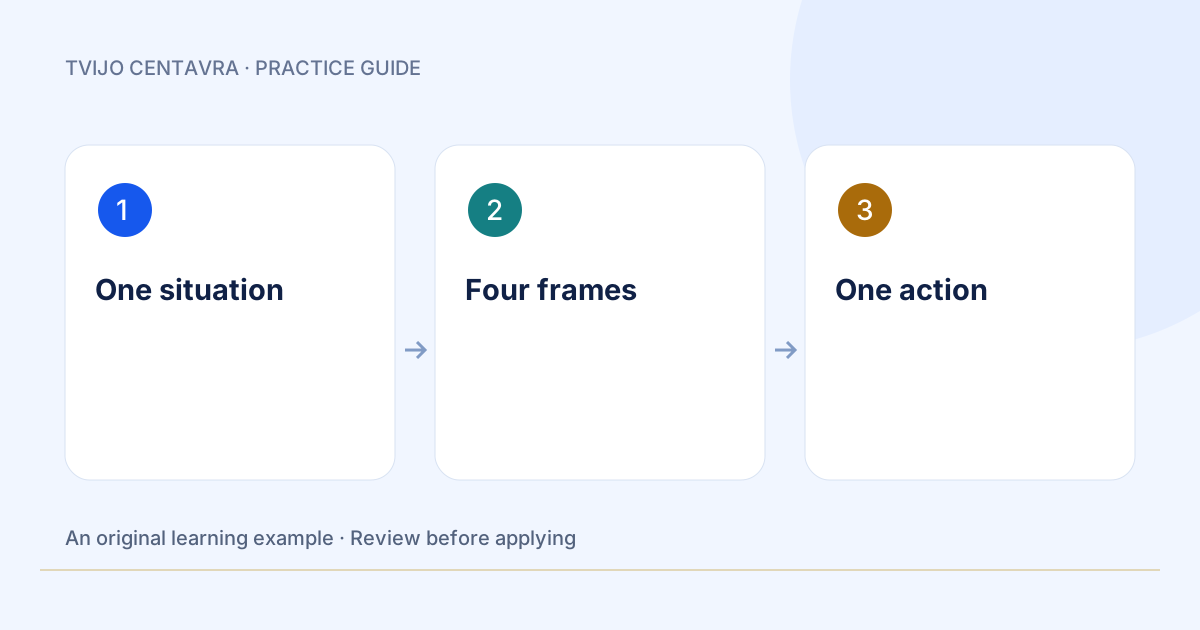
Prepare a script, storyboard and captions for a short video or carousel.
Try the example →
One reader problem, a useful example and a clear route to a demo, with appropriate images and language versions.
Try the example →
Turn one learning task into a short mission with understandable feedback.
Try the example →CENTAVRA PLAY
Change the rover’s speed and time, calculate its journey and collect three learning stars. Then explore the existing labs and game sandbox.
Start the mission →Progress with meaning
Choose supported, independent or team mode. Progress stays on your device. No account or purchase is needed for this mission.
Stars show practice, not money or educational certification.
| Tool | Availability | What to expect |
|---|---|---|
| Browser chat | Available | Selected context, drafts, bounded AI tasks |
| DSHREM for VS Code | Available download | Own project, terminal and selected context |
| OpenDesign workspace | Private studio | Operator access; no isolated customer accounts |
| AI video production | Needs a scoped pilot | Check generation route, rights, rendering and cost |
The supplied OpenDesign screens suggest useful pilot formats: a proposal deck, a website prototype, a document layout, a social carousel and HTML motion graphics. Gallery examples demonstrate formats, not our completed customer work. A team offering needs separate workspaces, access control and a checked export workflow.
For teams
Choose one output, one responsible reviewer and one acceptance test. A focused pilot makes the scope and cost easier to assess.
Describe your team, the current routine and the result you want. Start with the available chat preview; the account shows limits before you run. Team delivery requires an agreed scope and quote.
Prepare my task →A chat task does not place an order. For a studio project, use the enquiry form below.
Send a studio enquiry (English form) ↗