 TVIJO CENTAVRA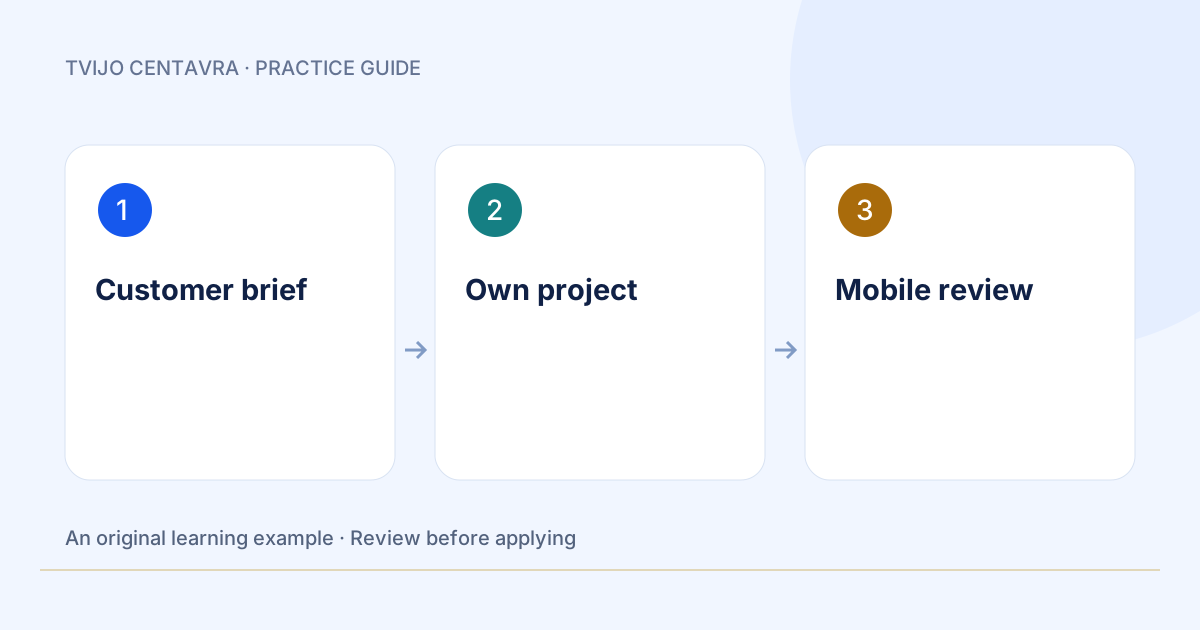
A useful first page answers one visitor question and offers one next step. Choose one product, one audience and one action: enquiry, booking or demo. In the browser, Centavra helps prepare copy and a plan. Apply file changes through editor tools in your own project.
Three steps to a useful result
1. Describe the customer outcome
Who will visit, what problem will the product solve and what happens after the button is pressed?
2. Connect your own project
Open the DSHREM download page, install the VSIX using Extensions → Install from VSIX, then open your project folder. Run Tvijo: Open project terminal in the command palette. Select context before sending it.
3. Review the path to action
On a phone, read the headline, open the menu and press the main button. Check errors, keyboard access and confirmation text. Publish after review.
See the example
Practice example: a bicycle repair shop.
Headline: “Get your bicycle ready for the season.”
Promise: inspection and agreed work before repairs.
Button: “Request an inspection”.
Evidence: real workshop photos used with permission.
Check: the form reaches the responsible person and shows a confirmation.
Review before using
- The button opens a working next step.
- There is no horizontal overflow at 390 px.
- Testimonials and results have evidence; test data is labelled.
How to measure value
Track accepted pages, time to first enquiry and working actions. An attractive screenshot alone does not establish conversion.
Make it your own
Copy your edited brief into the chat before sending. Browsing this guide does not run an AI task. Chat limits are shown before a run.